Receipt & Expense Extraction.
Receipt and expense extraction reads a photo, scan, or PDF and pulls out merchant, line items, tax, and total, no manual entry required. Axia Extract's AI-powered OCR handles faded thermal print and handwritten totals, not just clean digital receipts.
How it works
From receipt to expense data, in three steps.
Define your schema
Merchant, date, line items, tax, total, category — set the fields your expense system needs.
Upload the receipt
A photo from a phone, a scanned paper receipt, or a PDF invoice — faded thermal print included.
Get clean expense data
Structured line items and totals back with a confidence score per field, ready for the expense report or the API.
Who uses this
Built for expense-heavy workflows.
Employee expense reports
Snap a photo of a receipt and skip manual entry, with each field checked against a confidence score before approval.
Accounts payable & bookkeeping
Batch-process vendor receipts and small invoices without a template per merchant.
Expense management platforms
Plug receipt extraction into your own product through the REST API, no OCR team required.
Benchmarked accuracy
98.2% field accuracy, 99.9% on totals.
98.2%
Average field accuracy
99.9%
Totals
Benchmarked against SROIE2019, a public dataset of 347 real-world receipts, with per-field results published openly.
See the full accuracy reportFAQ
Receipt & expense extraction, answered.
What is receipt and expense extraction?
How accurate is it on faded or crumpled receipts?
Can it categorize expenses automatically?
Does it integrate with expense management or accounting software?
Is there a free trial?
See it read your receipts.
Upload a real receipt and get structured expense data back in seconds, no template required.
Receipt and expense extraction that handles the messy ones.
Most expense workflows break down on the same detail: receipts are the worst-formatted documents a business processes. Thermal print fades, phone photos come in at an angle, and no two merchants lay out a total the same way. Receipt and expense extraction exists to read that mess anyway, without a person retyping totals into an expense report by hand.
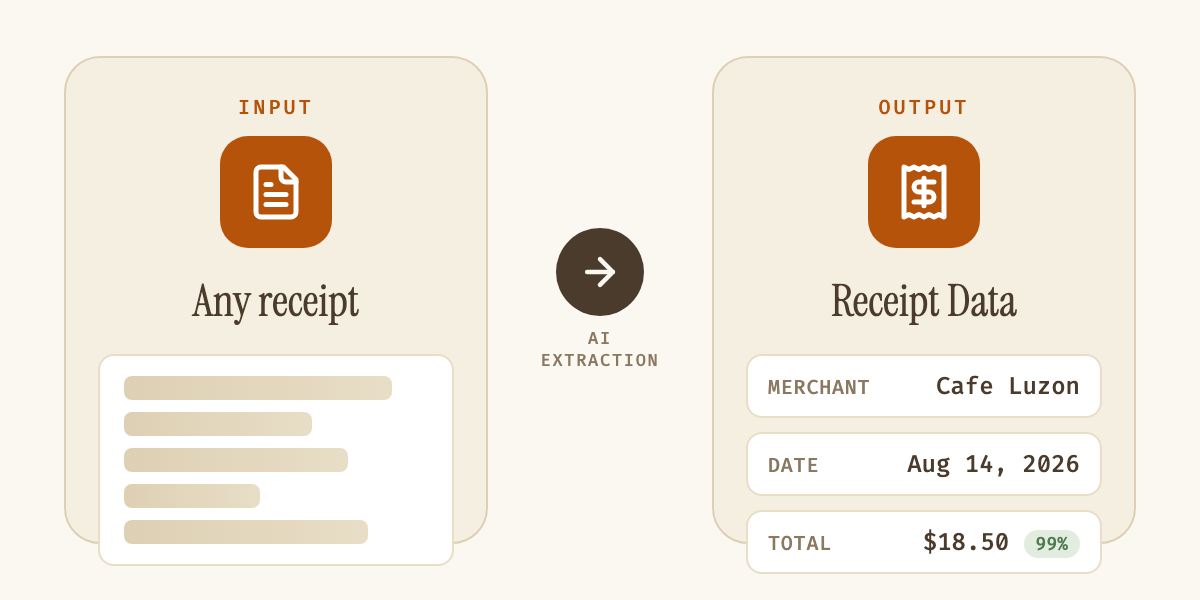
| Field | Example value |
|---|---|
| Merchant | Cafe Luzon |
| Date | Aug 14, 2026 |
| Line items | Item, quantity, price |
| Tax / total | $1.20 / $18.50 |
| Category (optional) | Meals & entertainment |
Axia Extract uses AI rather than a fixed template, so it doesn't need to recognize a specific merchant's layout to extract the fields you care about: merchant name, date, line items, tax, total, and category if you define one. That's the difference between a tool that only works on receipts it was trained on and one that works on the receipt an employee actually hands in.
Accuracy on real-world receipts, not clean samples, is what decides whether a tool is usable in production. Axia Extract publishes its benchmark openly: 98.2% average field accuracy and 99.9% on totals, tested against SROIE2019, a public dataset of 347 real receipts with mixed formatting and print quality, detailed on the accuracy page. Every field returns its own confidence score, so a hard-to-read line item routes to a reviewer instead of getting silently accepted at face value.
Employee expense reporting, accounts payable teams processing vendor receipts, and expense management platforms embedding extraction through the API all hit the same wall without it: manual re-entry that doesn't scale past a handful of receipts a day. The same schema-first approach covers full invoices once a vendor relationship grows past one-off receipts, and our guide to AI OCR for business documents covers what to check before picking a tool. Results export to CSV, JSON, or Excel, or pull directly through the REST API into an existing expense or accounting system.