AI OCR for BIR receipts reads the TIN, VAT breakdown, and total off a scanned or photographed invoice and returns them as structured data instead of a wall of text. For Philippine bookkeepers processing hundreds of receipts a month, that turns a manual keying task into a review task.
The timing matters beyond convenience. The BIR's e-invoicing system (EIS) becomes mandatory for large taxpayers and e-commerce sellers by December 31, 2026, and it expects invoices as structured, machine-readable data (Revenue Regulations No. 11-2025). Firms still keying totals by hand are building a manual step into a process the BIR is actively pushing toward automation.
Take a small distribution business issuing 40 to 60 sales invoices a day to retail buyers. Each one needs a TIN match, a VAT breakdown, and a total that reconciles before it's filed. Multiply that by a month and the bookkeeping load isn't the invoicing itself, it's re-typing numbers that were already printed correctly on the source document.
What a compliant BIR invoice has to carry
Every BIR-registered invoice or receipt carries a fixed field set, regardless of the business issuing it. Miss one and the document can't support an input VAT claim on the buyer's side.
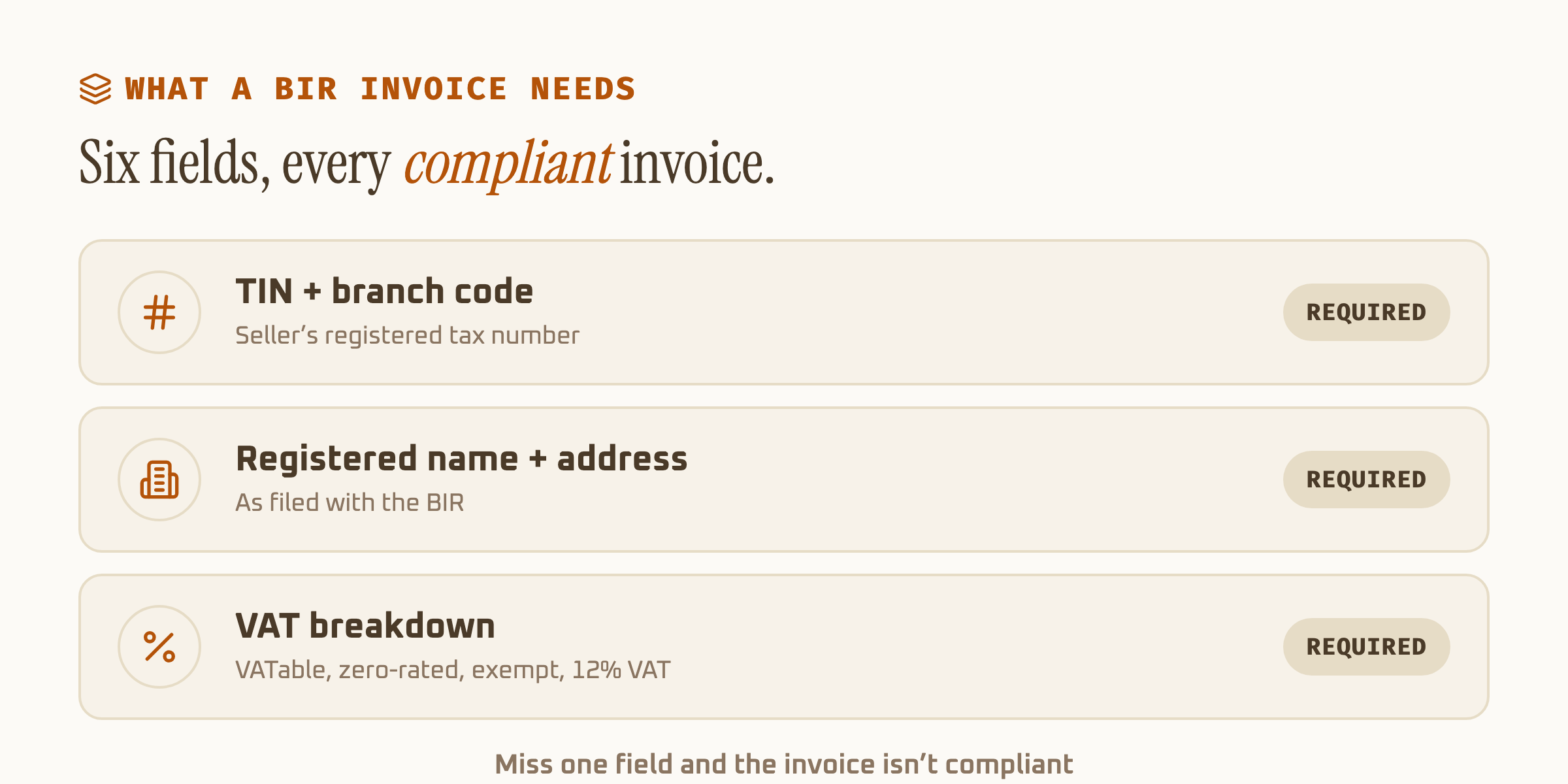
| Field | Example format | Why it matters |
|---|---|---|
| TIN + branch code | 000-000-000-0000 | Matches the seller to their BIR registration |
| Invoice/OR number | Sequential, per BIR permit | Traces the document to an accredited series |
| VATable sales | Peso amount, ex-VAT | Base for the 12% VAT computation |
| Zero-rated / exempt sales | Peso amount, if applicable | Excluded from the 12% VAT line |
| VAT amount | 12% of VATable sales | What the buyer can claim as input tax |
| Total amount due | Sum of all lines above | Should reconcile with the VAT breakdown |
Sales invoice vs official receipt, post-EOPT
Since the Ease of Paying Taxes Act took effect, the distinction between an invoice and an OR changed for extraction purposes too. A schema built before EOPT often still treats the OR as primary, which now produces the wrong document type on the output side.
| Sales invoice | Official receipt | |
|---|---|---|
| Role after EOPT | Principal document, goods and services | Supplementary proof of payment |
| Supports input VAT claim | Yes | No, on its own |
| Issued at | Point of sale or billing | Point of actual payment |
| Required fields | Full VAT breakdown | Amount received, reference to invoice |
Where the BIR's e-invoicing mandate is heading
EIS doesn't just want the invoice image on file. It wants the same fields listed above as structured JSON, submitted within three calendar days of the transaction, secured with a digital signature (EDICOM's EIS breakdown covers the technical format). That's exactly the shape AI OCR extraction already produces. The gap between "we have the paper receipt" and "we have the compliant e-invoice" is one extraction step.
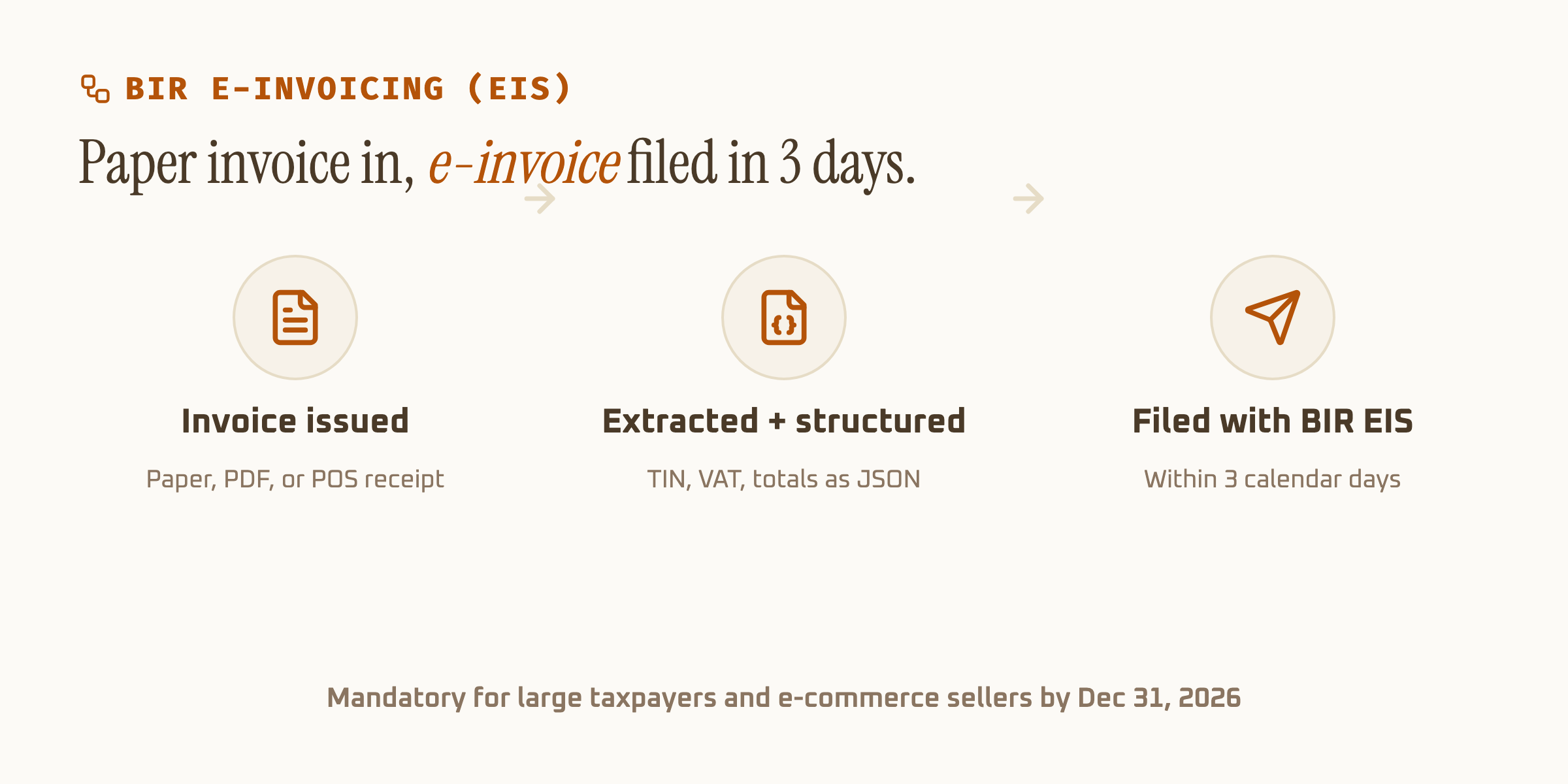
First-wave coverage (large taxpayers, e-commerce sellers, and firms under the BIR's Large Taxpayers Service) hits the December 31, 2026 deadline. Smaller businesses aren't yet mandated, but the direction is set: manual invoice books are being phased toward structured, submittable data.
An online retailer already selling through Shopee or Lazada, for instance, likely falls under the e-commerce wave regardless of size. Waiting until late 2026 to build the extraction step means doing it under deadline pressure instead of on a normal implementation timeline.
What automating the read actually saves
A bookkeeper keying a typical BIR invoice, TIN, VAT lines, vendor details, total, spends roughly eight minutes per document once you count double-checking the VAT math. AI extraction returns the same fields in seconds, with the arithmetic already verified against the stated total.
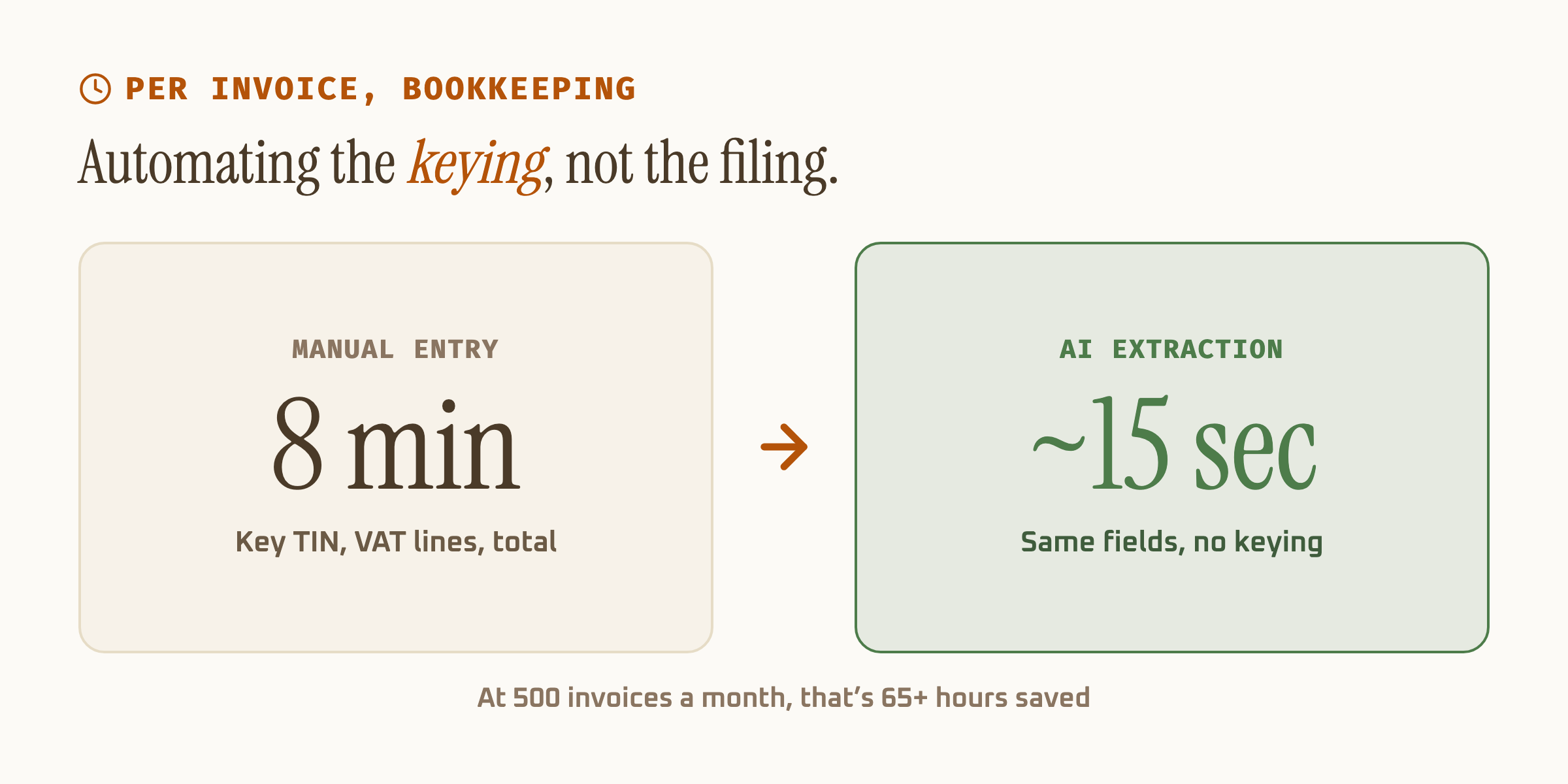
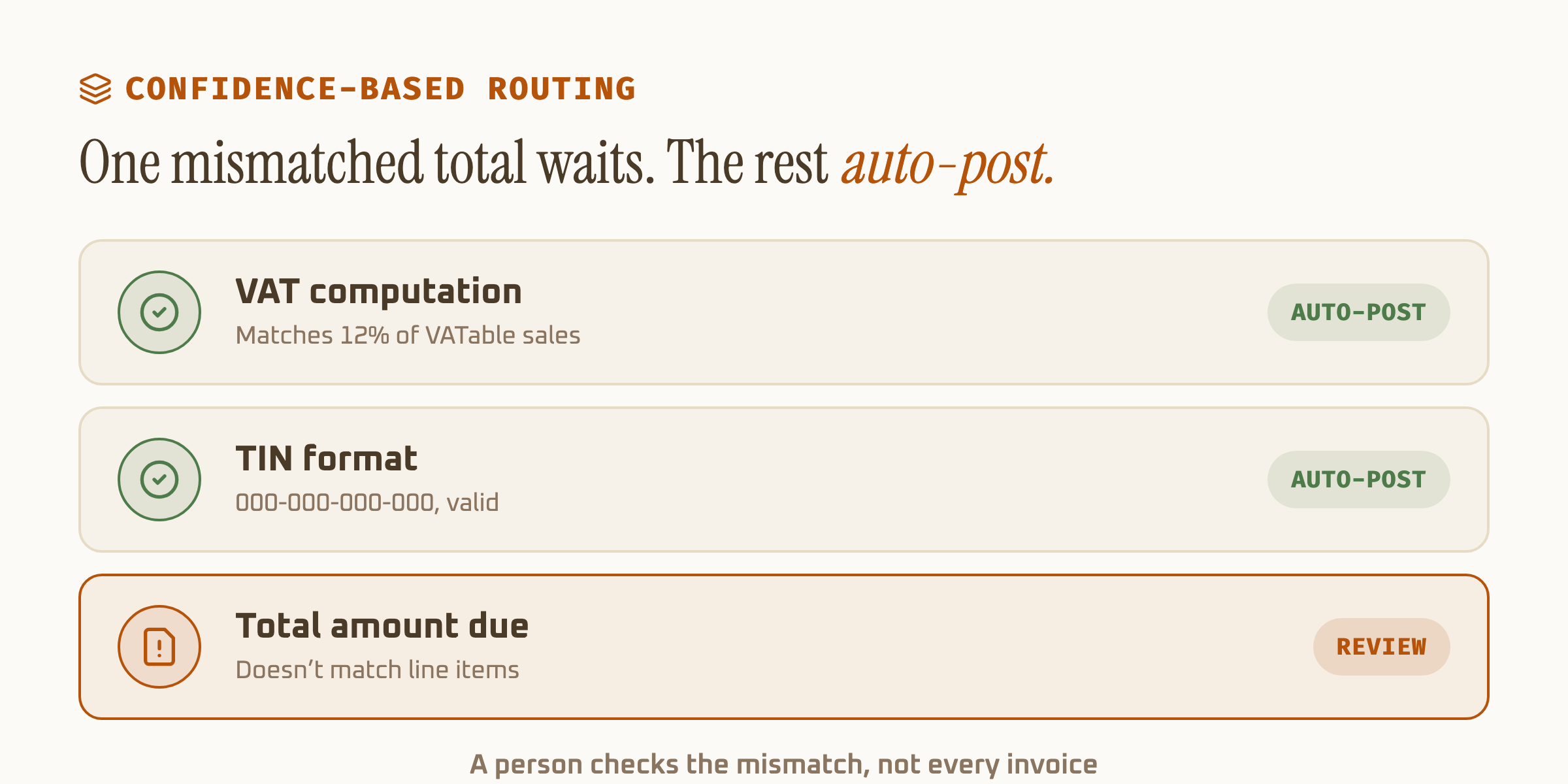
The time isn't the only reason to automate the read. A person keying numbers by hand from a faded thermal receipt makes transposition errors at a fairly predictable rate, and a transposed digit in a TIN breaks input tax matching on the buyer's end. Confidence-based routing catches that before it becomes a filing problem.
What to check before automating BIR receipt processing
Confirm the tool recognizes both the pre- and post-EOPT document types, since a lot of receipts still in circulation predate the invoice-first rule. Confirm it validates the VAT arithmetic rather than just reading the printed total, since a printed total can itself be wrong on a poorly configured POS. And confirm it returns confidence per field, not one blended score, so a smudged TIN gets flagged instead of silently accepted.
Also worth checking: whether the tool distinguishes a BIR-accredited Computerized Accounting System (CAS) receipt from a plain thermal printout. Both carry the same required fields, but a CAS-generated invoice usually includes a machine-readable barcode or QR code the extraction step can cross-check against the printed VAT figures, an extra validation layer a hand-typed receipt doesn't offer.
For the general mechanics behind schema-based extraction and confidence scoring, see our guide to AI data extraction. If invoice processing broadly, not just the BIR-specific fields, is the immediate problem, invoice extraction software covers the workflow end to end.