AI OCR for expense reports reads the merchant, date, amount, and VAT breakdown off every receipt in a liquidation report and checks each one against spend policy automatically. For a finance team processing reimbursements every payroll cycle, that turns a stack of receipt photos into a reviewed, ready-to-post batch.
Filipino companies liquidate reimbursements constantly: field sales reps submitting gas and toll receipts weekly, employees on official business filing a liquidation report after every trip, and BPO teams processing meal allowances for whole shifts at a time. Each claim bundles several receipts, and each receipt needs its own read before the report can be approved.
A sales rep filing 15 to 20 receipts a week, fuel, parking, toll, client meals, isn't a hard task individually. Multiply that across a field team of 30 reps and finance is re-typing hundreds of receipts a week just to see whether the totals hold up against policy.
What an AI reads off each receipt
A liquidation report is only as reliable as the receipts behind it, so the extraction step has to pull the same fields every time, whether the source is a Grab ride receipt, a restaurant bill, or a gas station slip.
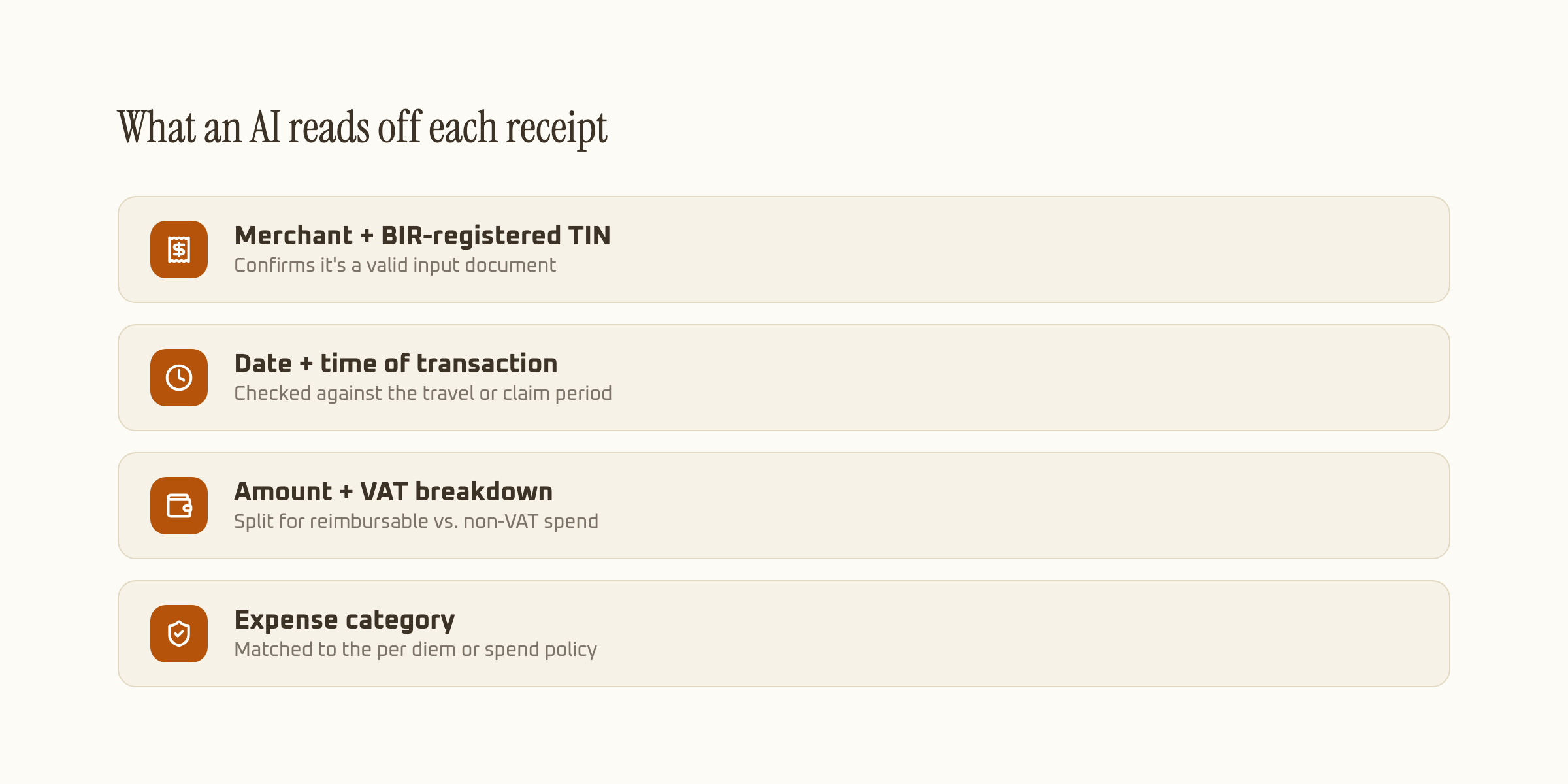
| Field | Example | What it's checked against |
|---|---|---|
| Merchant + TIN | "Jollibee Ortigas", TIN if printed | Valid input document for deduction |
| Date + time | Sept 18, 2026, 12:41 PM | Approved travel or claim window |
| Amount + VAT | ₱450.00, VAT-inclusive | Per diem or meal allowance cap |
| Expense category | Meals, transport, lodging | Company spend policy per category |
Amounts matter more than they look here too. A field rep filing a fuel receipt for ₱1,200 when the pump slip clearly shows ₱1,020 isn't always deliberate, a smudged decimal or a doubled digit from manual re-typing causes the same discrepancy. Extraction that checks the printed subtotal, VAT, and total against each other on the same receipt (the same arithmetic check we apply to financial totals more broadly, where our own benchmarks run at 99.9% accuracy) catches that kind of error before it becomes a reimbursement dispute.
From receipt photo to posted liquidation line
The practical flow is short: a receipt gets photographed on a phone, extraction reads the fields, and the result either matches policy and posts, or gets routed to a person because something's off.
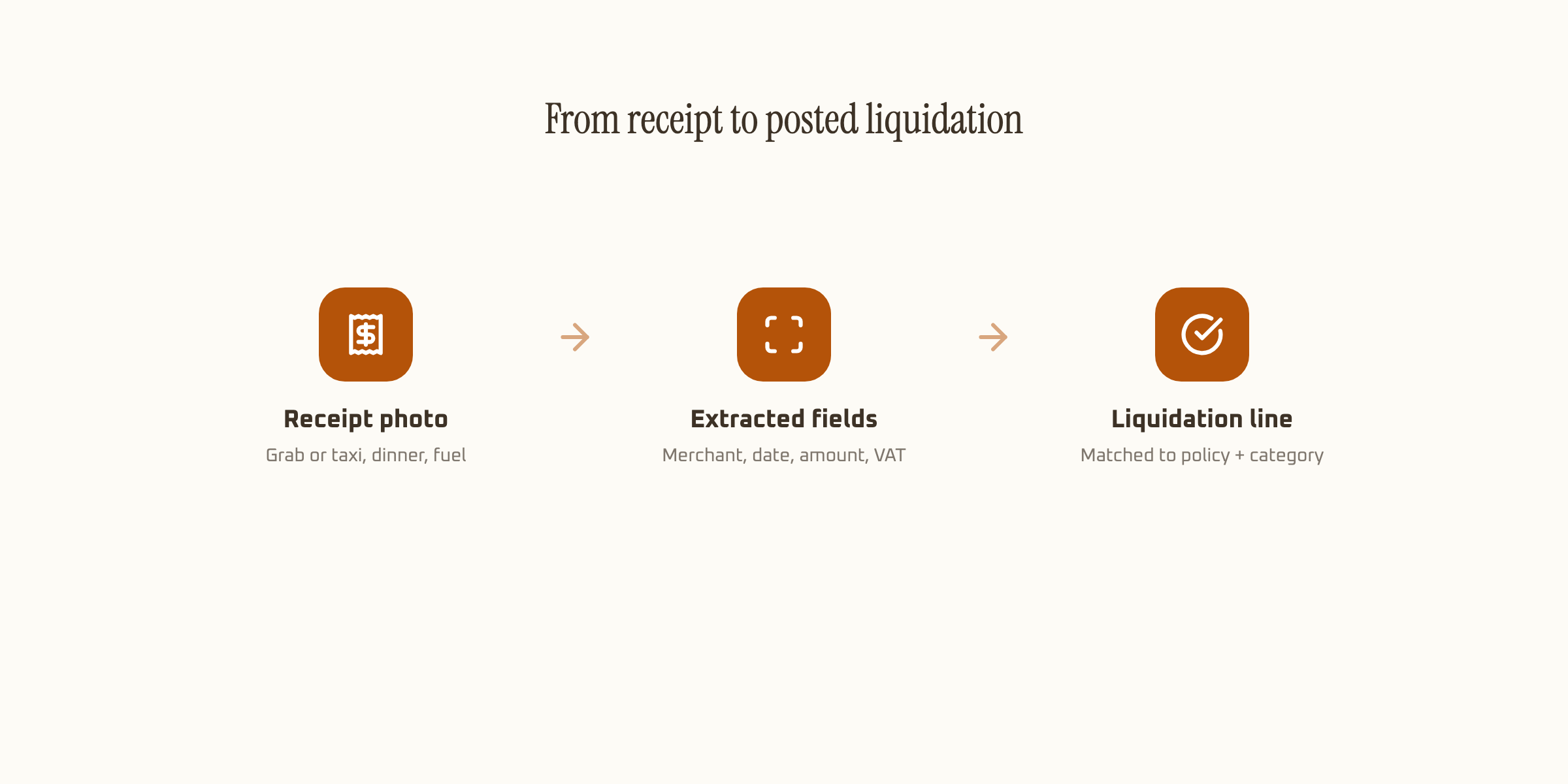
That match-against-policy step is what separates expense report extraction from plain receipt OCR. Reading "₱450.00" off a receipt is the easy part. Knowing that ₱450 is fine for a meal claim but flagged for a transport claim on that same trip requires the category and the policy limit both landing in the same schema, not just the raw amount.
Where liquidation reports differ from a straight invoice read
Expense receipts are messier than supplier invoices by nature. A tricycle fare slip or a parking ticket often carries no TIN and no VAT line at all, since plenty of small vendors aren't issuing BIR-compliant receipts in the first place. A good extraction schema treats that as expected, not an error, and routes those receipts through a lower reimbursement cap instead of rejecting them outright.
Travel liquidations add another layer: the receipt date has to fall within an approved travel order's window, and the amount has to match whatever per diem tier applies to that employee's rank or role. None of that is printed on the receipt itself, it's a cross-check against a separate policy table, which is why expense report automation needs more than a general-purpose AI OCR setup built for invoices.
Handwritten receipts add a third complication. A jeepney or tricycle fare slip, when one exists at all, is often a scrap of paper with a number scrawled by hand rather than printed. Our own benchmarks put handwriting recognition at 93.2% accuracy, noticeably lower than printed text, which is exactly why field confidence scoring matters more on expense receipts than on any other document type in this series. A low-confidence handwritten total should route to a person, not get auto-approved on a guess.
What automating the read actually saves
A finance staffer manually checking a 15-receipt liquidation report, matching each one to a policy limit and flagging anything over cap, spends a meaningful chunk of a workday on a single batch when the team is large. AI extraction returns every field with a policy match already computed, so the review step becomes: check the three flagged receipts, not all fifteen.
Across a 30-person field team filing weekly, that's the difference between finance spending a full day on liquidation review every week and spending an hour on the receipts that actually needed a second look.
What to check before automating expense report processing
Confirm the tool handles receipts with no TIN or VAT line gracefully, since a large share of everyday reimbursable expenses in the Philippines come from vendors who don't issue compliant documents. Confirm it can match extracted fields against a policy table, category caps, per diem tiers, approved date ranges, not just extract raw numbers. And confirm each field carries its own confidence score, so a faded gas receipt gets a human look instead of a guessed total.
For how BIR-compliant receipts specifically get read and validated, see our guide to BIR receipt and invoice OCR. For the general mechanics behind schema-based extraction, our guide to AI data extraction covers the setup end to end.