AI OCR reads a document by matching a trained pattern to a field it already recognizes. LLM document processing reads the whole page and reasons about what each number means, so it survives a layout it has never seen. That difference is why template-free extraction is winning the harder documents in 2026.
Both approaches beat legacy template OCR, which breaks the moment a vendor moves a field three inches to the left. The real question for most teams isn't OCR versus AI anymore. It's which flavor of AI fits the documents actually landing in their inbox.
How AI OCR reads a document
AI OCR keeps the classic character-recognition step and adds a model trained to map those characters to a field type: vendor, invoice number, total, due date. It's learned from labeled examples that the string beside "Amount Due" is the total, whether that label sits top-right on one invoice or bottom-left on another.
That training is also its ceiling. The model performs well on document types resembling what it saw during training and degrades on genuinely unfamiliar formats. It answers the schema you defined, on documents that resemble what it's seen before, and nothing outside that.
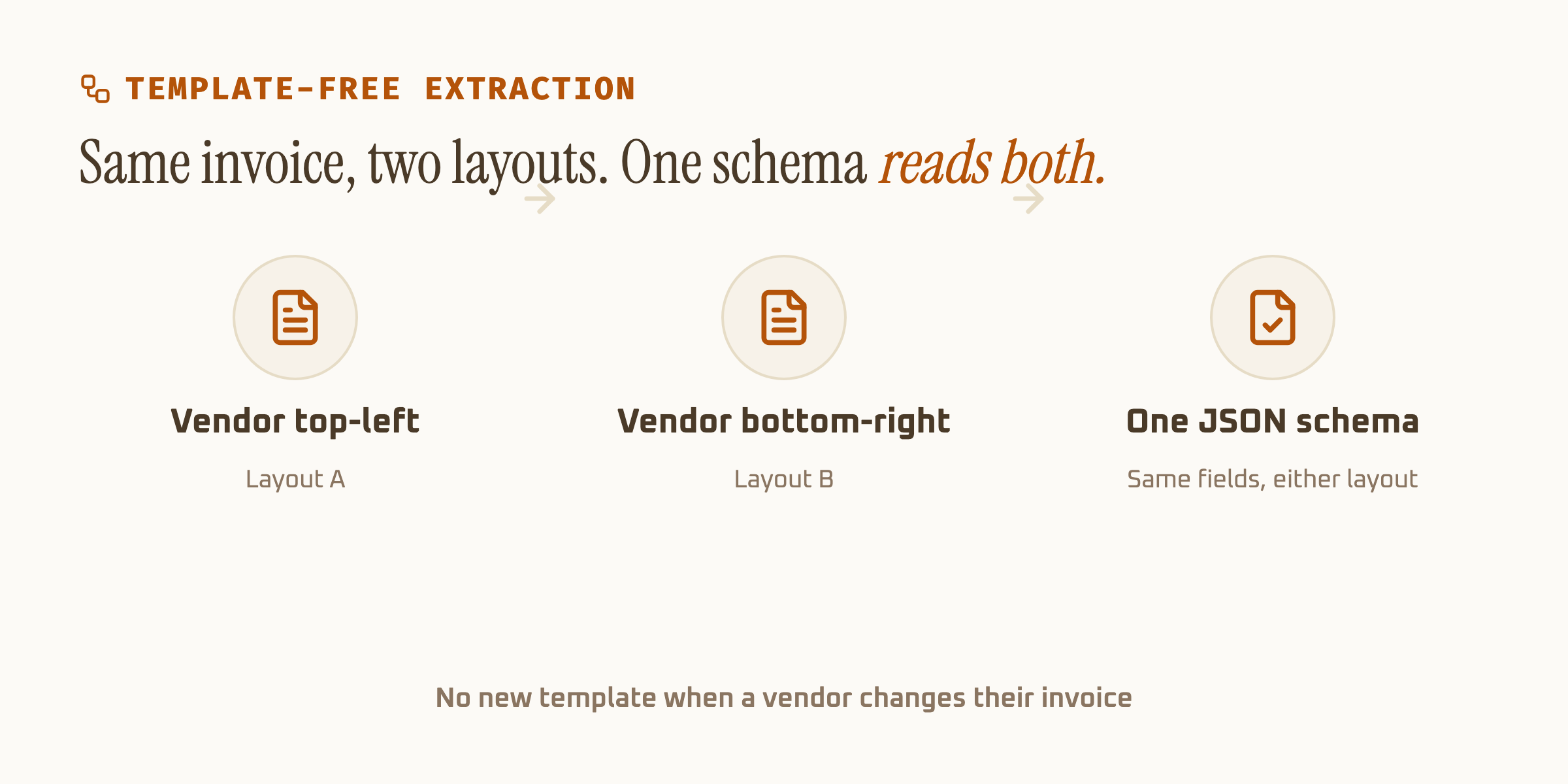
How LLM document processing reads the same page
LLM document processing sends the full page to a large multimodal model and asks for specific fields in plain language. No zone map, no per-layout retraining. You can ask for "the total and every line item" on a document type the system has never encountered and get a usable answer.
That flexibility comes from reasoning over context rather than matching a shape. It's also why LLM-based approaches close the gap on handwriting faster than trained OCR models do. Industry benchmarks tracking handwritten-text recognition put legacy OCR in the 46-70% accuracy range, while multimodal LLMs reasoning over the same handwriting samples have pushed into the low-to-mid 90s. Axia's own handwriting benchmark lands at 93.2%, one of four schema-specific numbers on our accuracy page, alongside 98.2% on the SROIE2019 receipt dataset and 99.9% on financial totals.
Template OCR fails loudly with a blank field. A generative model asked for a total will usually return one, even when the source figure is smudged past reading. That's a confident, well-formatted, invented number, and it's the reason per-field confidence scoring matters more here than a single blended accuracy claim.
Setup cost is where the two really diverge
Trained AI OCR needs labeled examples of every field type before it can find it reliably. A new document category (a foreign tax form, an unusual claim type) means new training data before it works. LLM document processing skips that step: describe the field once, run the document through.
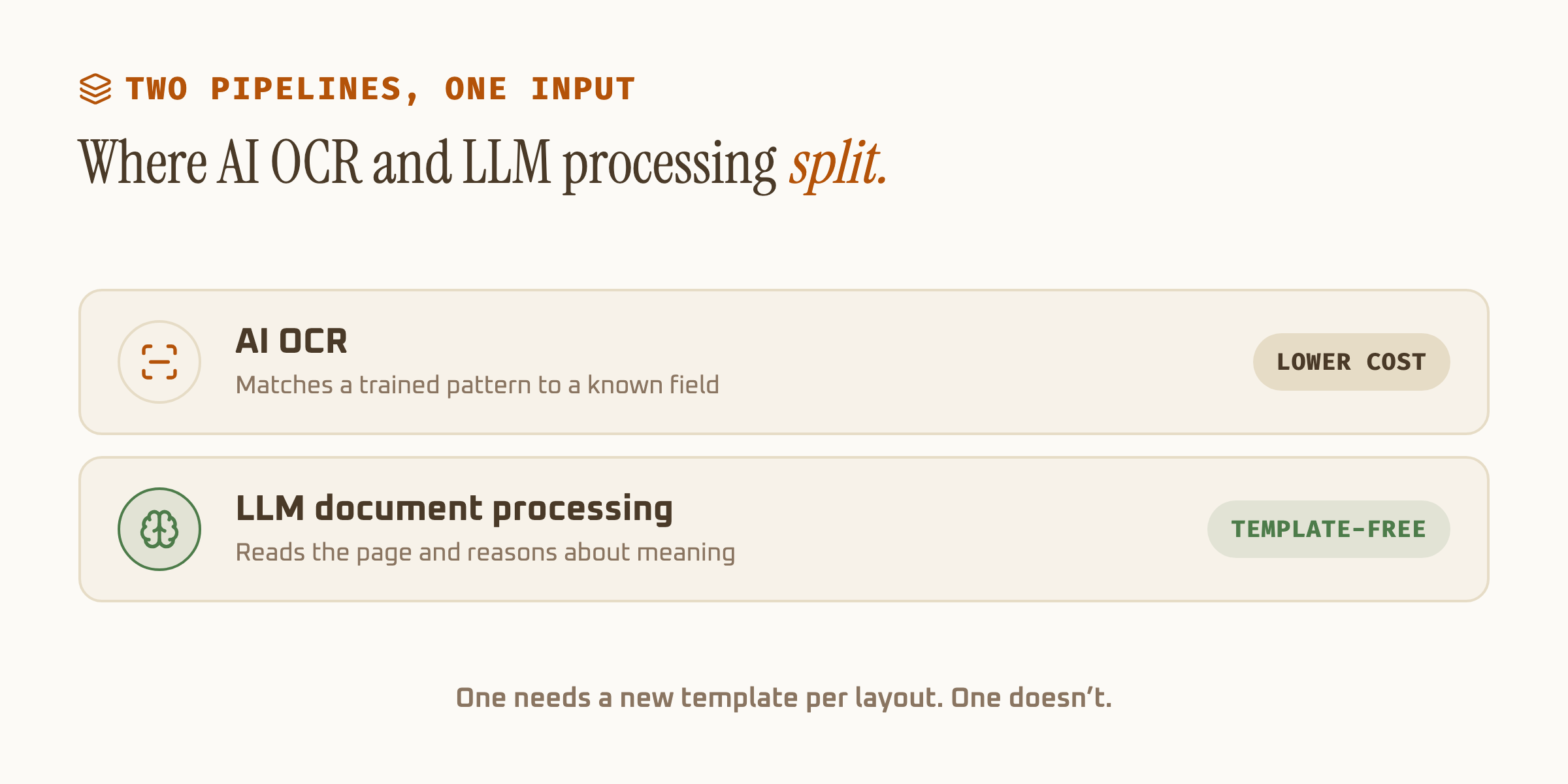
Setup, speed, and cost side by side
| AI OCR | LLM document processing | |
|---|---|---|
| Setup per document type | Labeled training examples | Schema, described once |
| Unfamiliar layout | Degrades | Usually holds up |
| Handwriting | 46-70% (legacy models) | Low-to-mid 90s |
| Speed | Fast | Slower per page |
| Cost per page | Lower | Higher |
| Main risk | Untrained field types | Hallucinated values |
Where the accuracy numbers actually come from
Vendor pages love one blended accuracy figure. It hides more than it tells you. The SROIE2019 dataset (a public receipt benchmark from the ICDAR 2019 competition) tests clean, structured receipts, and most tools score well on it. Handwritten forms, low-contrast scans, and inconsistent layouts are where the blended number falls apart, because that's where the two approaches actually separate.
Ask for per-field, per-document-type numbers before you buy. A tool scoring 98% on receipts and 60% on handwritten intake forms is being honest about its limits. One quoting a single 94% average across both is asking you to trust an unweighted blend of documents you don't send it in equal quantity.
| Document type | Axia benchmark | What it tests |
|---|---|---|
| Receipts (SROIE2019) | 98.2% average | Clean, structured retail receipts |
| Financial totals | 99.9% | Invoice and statement totals |
| Handwritten names | 93.2% | Legible handwriting on forms |
| Dates | 96.3% | Printed and handwritten date fields |
The real decision: what actually lands in your inbox
If every document arrives in one unchanging layout from one system, trained AI OCR is the cheaper, faster choice and the flexibility of an LLM pass adds nothing you're paying for. Most invoice and receipt processing sits here.
If documents arrive in many layouts, include handwriting, or come from sources you don't control, template-free extraction earns its higher per-page cost. The setup savings alone (no retraining per new vendor) usually offsets the price difference within a few thousand pages.
Most production pipelines don't pick one. They run trained AI OCR as the default path and route the documents that fail confidence checks to an LLM pass. That combination is what most teams mean when they say "template-free" today: not a single model doing everything, but a pipeline that no longer needs a new template every time a vendor changes their invoice.
For the mechanics behind schema design and confidence scoring, see our guide to AI data extraction. If you're comparing the three generations directly, traditional OCR vs AI OCR vs GenAI OCR breaks down where each one actually fails.