OCR (Optical Character Recognition) is technology that reads text out of an image and converts it into text a computer can search, copy, and process. A scanned invoice or a photographed ID card is just pixels until OCR turns those pixels into words and numbers a system can actually use.
The idea is old. Early OCR dates back to the 1970s, matching character shapes against a font library one letter at a time. What's changed is what happens after the read: modern OCR, especially the AI-driven kind, doesn't just recognize letters, it understands what a field means on the page, which is the difference between "text on a page" and "structured data ready to use."
How OCR turns an image into text
Every OCR system, traditional or AI-based, runs the same basic pipeline underneath. The sophistication is in how each step is done, not whether it happens.
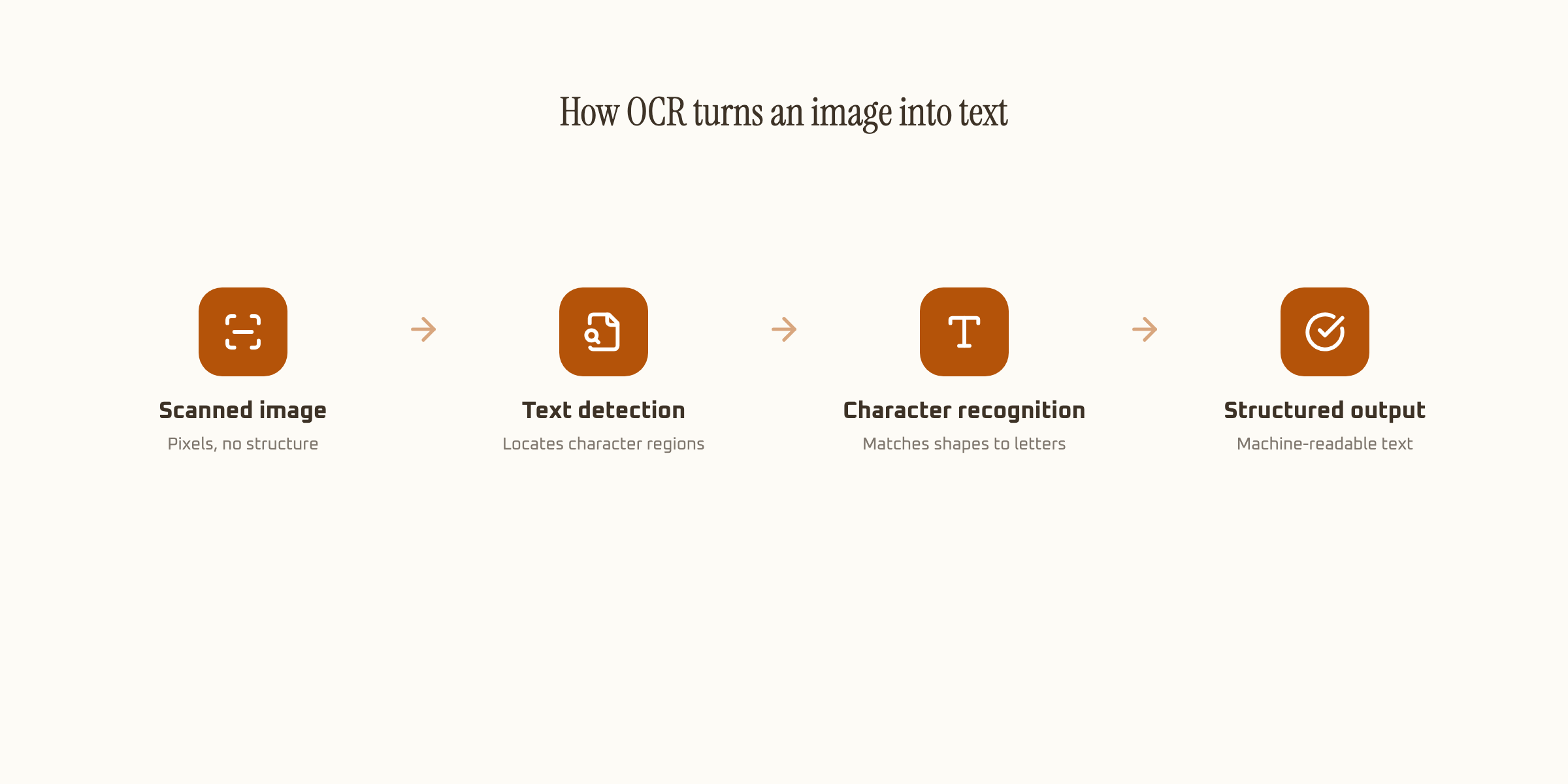
| Step | What happens |
|---|---|
| Image capture | A scan or photo becomes the raw input, no text yet, just pixels |
| Text detection | The system locates regions likely to contain characters |
| Character recognition | Each shape gets matched to a letter, digit, or symbol |
| Structured output | Recognized text is returned as searchable, usable data |
That last step is where the real gap between OCR tools shows up. Basic OCR hands back a wall of text with no sense of which word was a total and which was a date. Schema-based extraction goes one step further: it labels the output, so "1,240.00" comes back tagged as "total_amount" rather than just a string sitting on the page. Our guide to AI data extraction covers that labeling step in more depth.
Traditional OCR vs. AI OCR
Both read text off an image. The difference is what happens when the layout isn't the one the tool was built for.
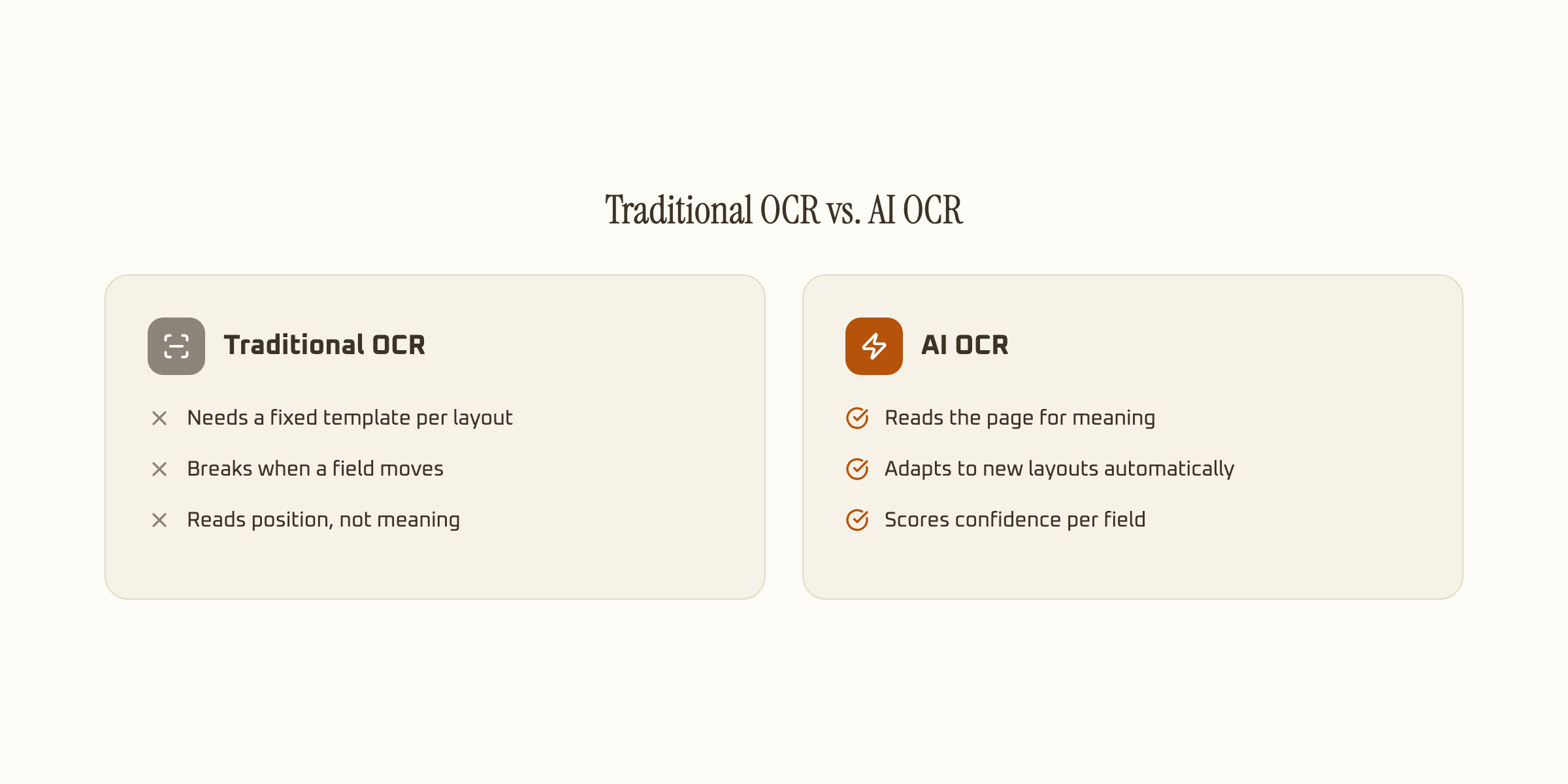
Traditional OCR works by matching character shapes to a font library, and most implementations pair that with a fixed template: field X sits at position Y on the page. That works fine until a vendor changes their invoice layout, and then the template breaks and someone has to rebuild it. AI OCR, particularly the LLM-based kind, reads the whole page and reasons about what each field means, so a moved field or a new layout doesn't require reconfiguration. The full breakdown, with 2026 benchmark numbers, is in our comparison of traditional OCR, AI OCR, and GenAI OCR.
Where OCR shows up every day
OCR is the read step behind a long list of document workflows most businesses run constantly, usually without thinking of it as "OCR" at all.
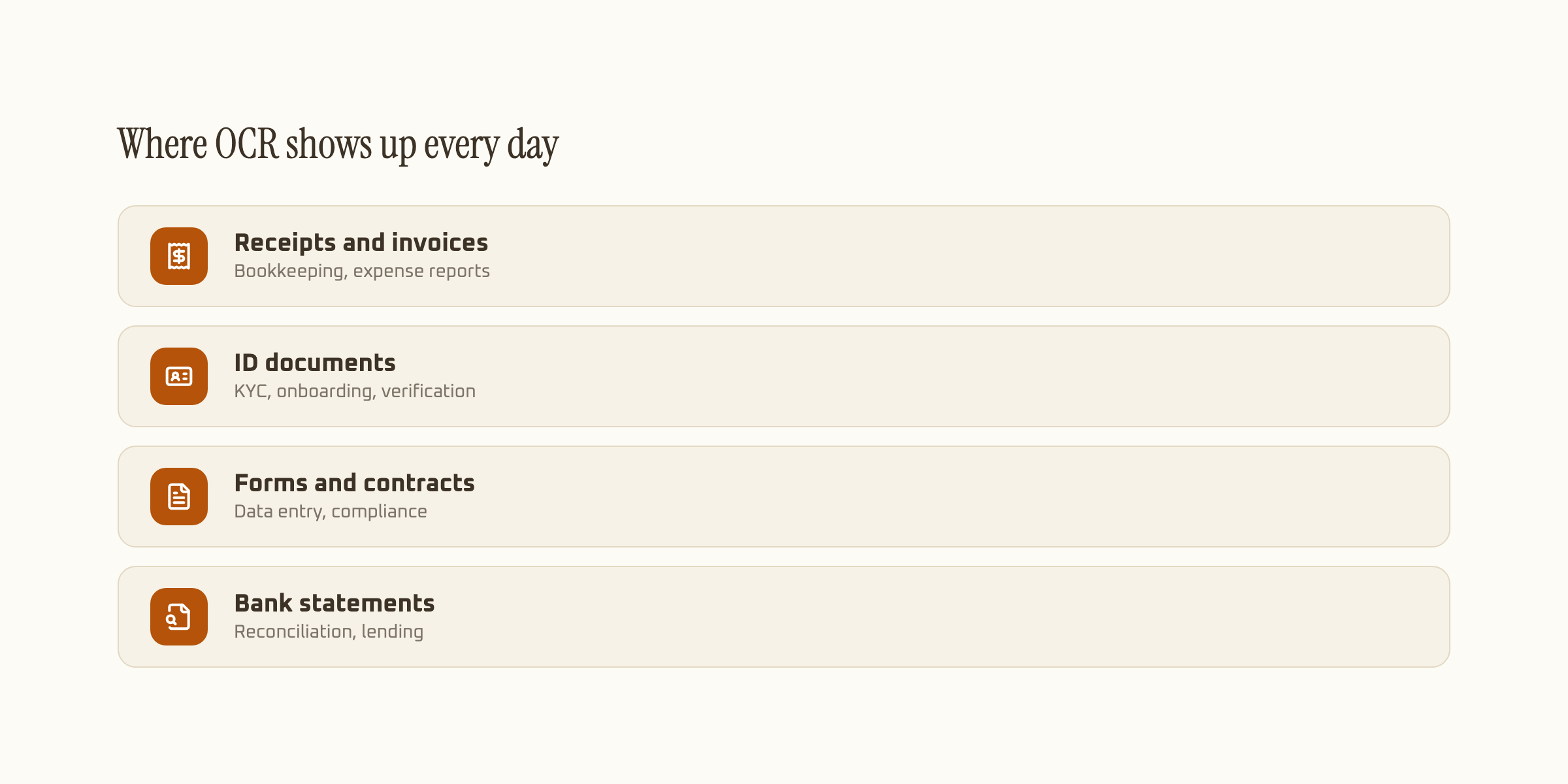
Bookkeeping teams use it to pull vendor, VAT, and totals off receipts and invoices instead of retyping them, covered in our guide to BIR receipt and invoice OCR. Lending apps and fintechs use it to read government IDs during onboarding, see KYC document extraction for how that verification step works. Finance teams use it to turn scanned bank statements into reconcilable transaction data, our bank statement OCR guide covers that flow. The common thread across all three: a document that starts as an image ends as data a system can act on.
OCR vs. ICR vs. IDP: the related terms
Three acronyms get used loosely around this space, and they're not interchangeable. OCR (Optical Character Recognition) reads printed characters. ICR (Intelligent Character Recognition) is the older term specifically for handwriting recognition, a harder problem since handwriting varies person to person in a way print doesn't. IDP (Intelligent Document Processing) is the broader category: it wraps OCR or ICR as the read step, then adds classification, field labeling, and validation on top, closer to what most people mean today when they say "AI OCR."
A plain OCR tool gives you a transcript. An IDP pipeline gives you a structured record: field names, values, and a confidence score per field, ready to post into an accounting system or a database without a person retyping anything. That distinction is worth knowing before comparing tools, since "OCR accuracy" claims from two vendors aren't measuring the same thing if one is grading a transcript and the other is grading structured field extraction.
How accurate is OCR, really
Accuracy depends far more on the document than the marketing claim. Clean, printed text on a good scan, a typed invoice, a laser-printed form, routinely clears 98%+ accuracy with a well-built AI OCR pipeline. Handwriting is a different problem entirely: shape variation between writers is much higher than between fonts, which is why handwritten fields score meaningfully lower, around 93.2% in our own benchmarks, even with a strong model behind the read. Skewed photos, glare, and faded thermal receipts drag accuracy down further regardless of the document type. Full numbers by document category are on our accuracy page.
That's also why confidence scoring matters more than a single accuracy percentage. A tool that returns one blended score per document hides exactly which field needs a second look. One that scores each field separately lets a smudged total get flagged for review while the clean fields around it post automatically, which is the difference between "OCR that's mostly right" and "OCR you can actually trust in a workflow." See document extraction for how that scoring works end to end, or AI OCR software for what to look for when picking a tool.