AI invoice extraction for Philippine suppliers reads vendor TIN, VAT breakdown, and withholding tax fields off any invoice layout and returns them as one structured record, whether the source is a printed distributor invoice, a scanned delivery receipt, or a hand-typed trading firm bill.
That layout variety is the real accounts payable problem here. A mid-sized retailer buying from 30 to 50 active suppliers isn't reconciling one invoice format, it's reconciling 30 to 50 of them, each with its own column order, its own way of printing the VAT line, and its own habit of putting the total payable somewhere different on the page.
A bookkeeper who's learned one supplier's layout still has to relearn the next one. AI extraction skips that step: it maps whatever's on the page to a fixed schema, so the output looks the same regardless of which vendor sent it.
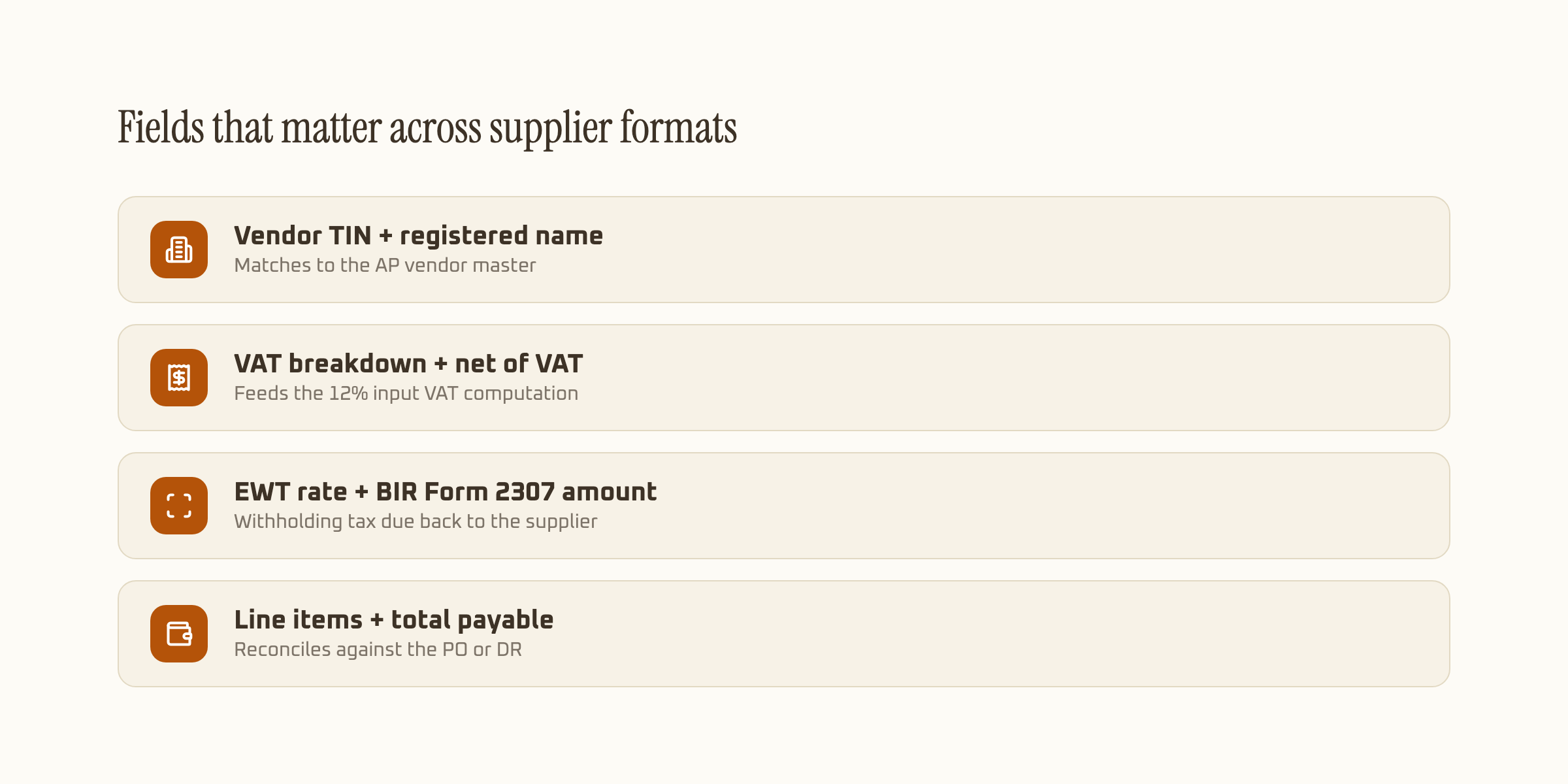
Fields that matter across supplier formats
Every Philippine supplier invoice, regardless of who prints it, needs to carry the same core fields to support an input VAT claim and, where applicable, correct withholding.
| Field | Where it comes from | Why AP needs it |
|---|---|---|
| Vendor TIN + name | Header block | Matches to the AP vendor master record |
| VAT breakdown | Totals section | Supports the buyer's input VAT claim |
| EWT rate + base | Totals or a separate line | Determines the BIR Form 2307 amount withheld |
| Line items | Body of the invoice | Reconciles against the PO or delivery receipt |
| Total payable | Bottom of the invoice | Net amount owed after VAT and EWT |
Totals matter as much as the individual fields here. A schema that reads the VAT breakdown and the line items separately but never checks that they add up to the printed total misses the most common error on a manually typed invoice: a line item entered twice, or a discount applied to the total but not reflected in the VAT base. Extraction tuned for financial documents catches that mismatch the same way it verifies totals on a bank statement, which is why the underlying accuracy on totals extraction (99.9% in our own benchmarks) matters more here than raw text recognition on a single field.
Why one schema has to cover three different invoice styles
A distribution business selling through resellers deals with three invoice styles on a regular week: a large distributor's system-generated invoice with a fixed column layout, a smaller trading firm's invoice typed fresh in Word or Excel with no consistent structure, and a wholesaler still running a manual triplicate invoice book with handwritten totals.
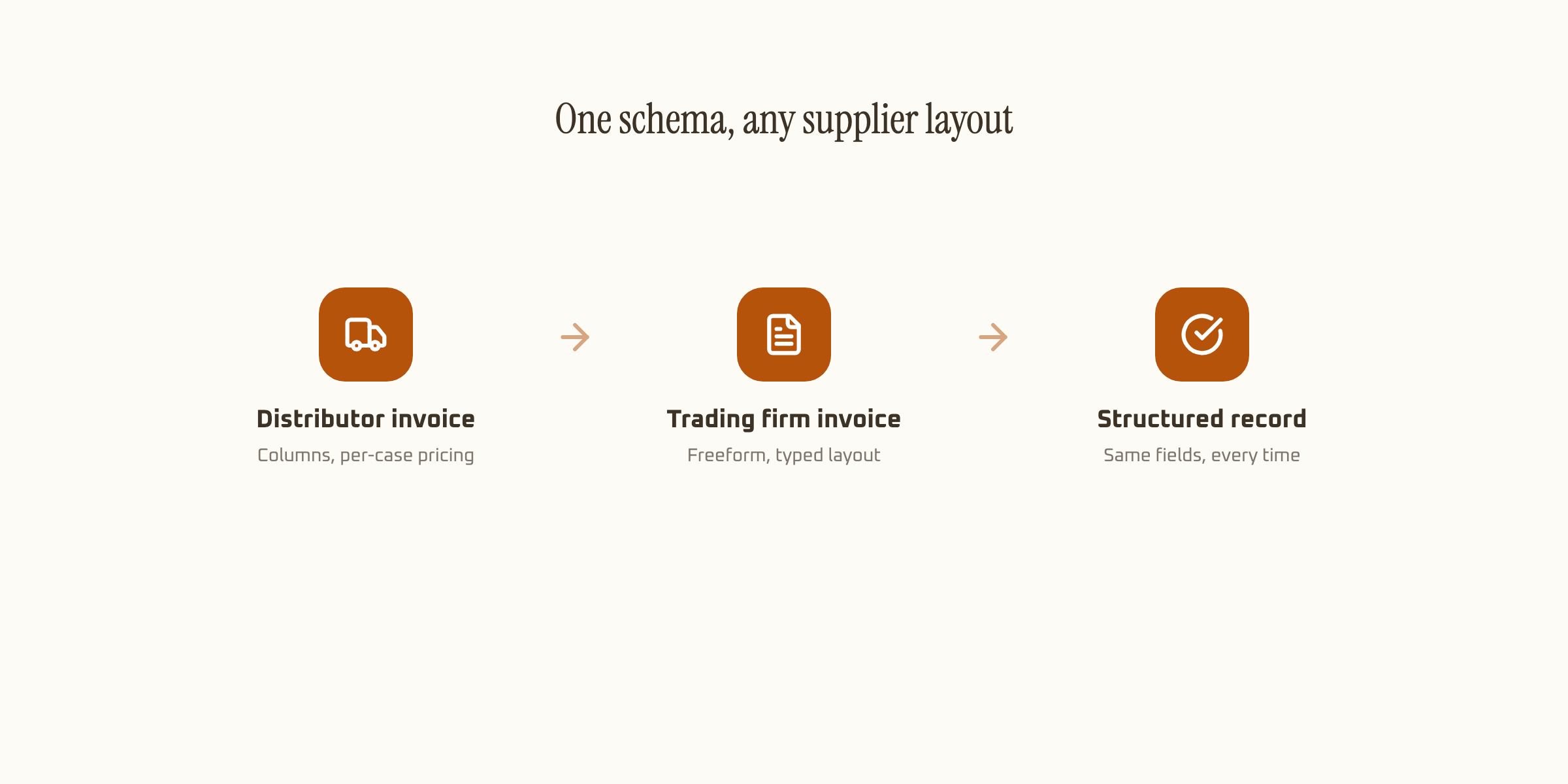
Template-based OCR breaks the moment a new supplier's layout doesn't match the template it was configured for, which means someone has to build a new template per vendor. Schema-based AI extraction reads the page for meaning instead of position, so a new supplier's invoice doesn't need a new template, just the same schema applied again. Our guide to AI OCR vs LLM document processing covers why that distinction matters more as vendor count grows.
Where withholding tax adds a step template OCR usually misses
Expanded withholding tax applies to a meaningful share of supplier payments in the Philippines, and the rate depends on the type of supplier and the type of payment, not something printed consistently across invoice formats. Some suppliers print the EWT rate and BIR Form 2307 amount directly on the invoice. Many don't, and expect the buyer's accounting team to compute it during posting.
A schema built only around VAT extraction misses this half of the invoice entirely. One built to also recognize EWT fields, or flag their absence for manual computation, catches the case a VAT-only tool would silently skip, and that gap is exactly where a supplier gets underpaid or a Form 2307 gets filed with the wrong withheld amount.
The rate itself depends on the transaction, not the invoice format: professional services typically fall under a different EWT bracket than goods purchases, and top withholding agents apply higher rates than an ordinary buyer. None of that is something OCR can read off the page. What extraction can do is flag every invoice missing an EWT line where one's expected, so accounting applies the correct rate at posting instead of finding the gap during a BIR audit.
What automating supplier invoice reads actually saves
Keying a supplier invoice by hand, TIN, VAT lines, EWT, line items, total, runs longer than a BIR receipt because there's more to check: the line items need to tie back to a PO or DR before the invoice gets approved. AI extraction returns the structured fields in seconds, with the line-item total already checked against the stated grand total.
At even a modest 300 supplier invoices a month, cutting five minutes of manual entry per invoice back to a confidence-scored review is 25 hours of AP time freed up monthly, time better spent chasing the invoices that actually need a judgment call: a mismatched PO, a supplier billing above quoted price, or missing EWT documentation.
What to check before automating supplier invoice processing
Confirm the tool reads EWT fields, not just VAT, since that's the part most template-based OCR built for BIR receipts skips entirely. Confirm it returns confidence per field so a smudged TIN or an illegible EWT rate gets flagged instead of posted. And confirm it handles at least three structurally different invoice layouts without needing a new template built for each one, since that's the real bottleneck once supplier count passes a handful.
For the field set that applies specifically to BIR-registered receipts and invoices, see our guide to BIR receipt and invoice OCR. If the goal is invoice processing across the full AP workflow rather than just the extraction step, invoice extraction software covers matching and routing too.